BulkStatus
Bulk URL Checker & Crawler · Chrome Extension
Runs entirely in the browser. No backend, no analytics, and no site access requested until you ask it to check a URL.
Why I Built It
BulkStatus came out of a recurring need at work: checking hundreds or thousands of URLs for status codes, redirects, and basic on-page data, without paying for or waiting on a full crawling platform. A colleague and I kept running into the same problem from different angles, so we partnered on defining what the tool needed to do and testing it against real sites while I drove the strategy, concept, and build.
The result is a Chrome extension rather than a hosted tool. That keeps it free to run, keeps the data on the machine doing the checking, and means there's no server to pay for or maintain. It's built for SEO and AI-crawler readiness work specifically: as much about whether a page is reachable and well-formed for AI systems as it is for traditional search crawlers.
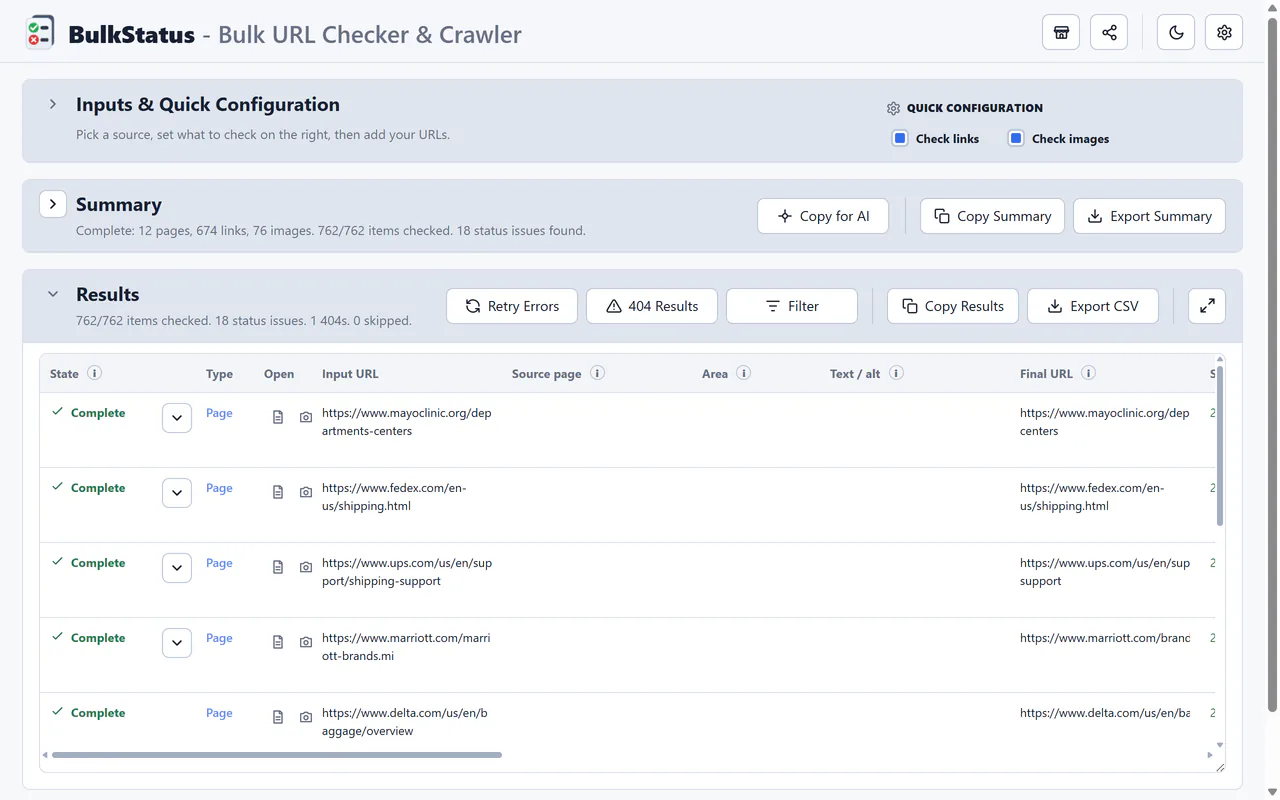
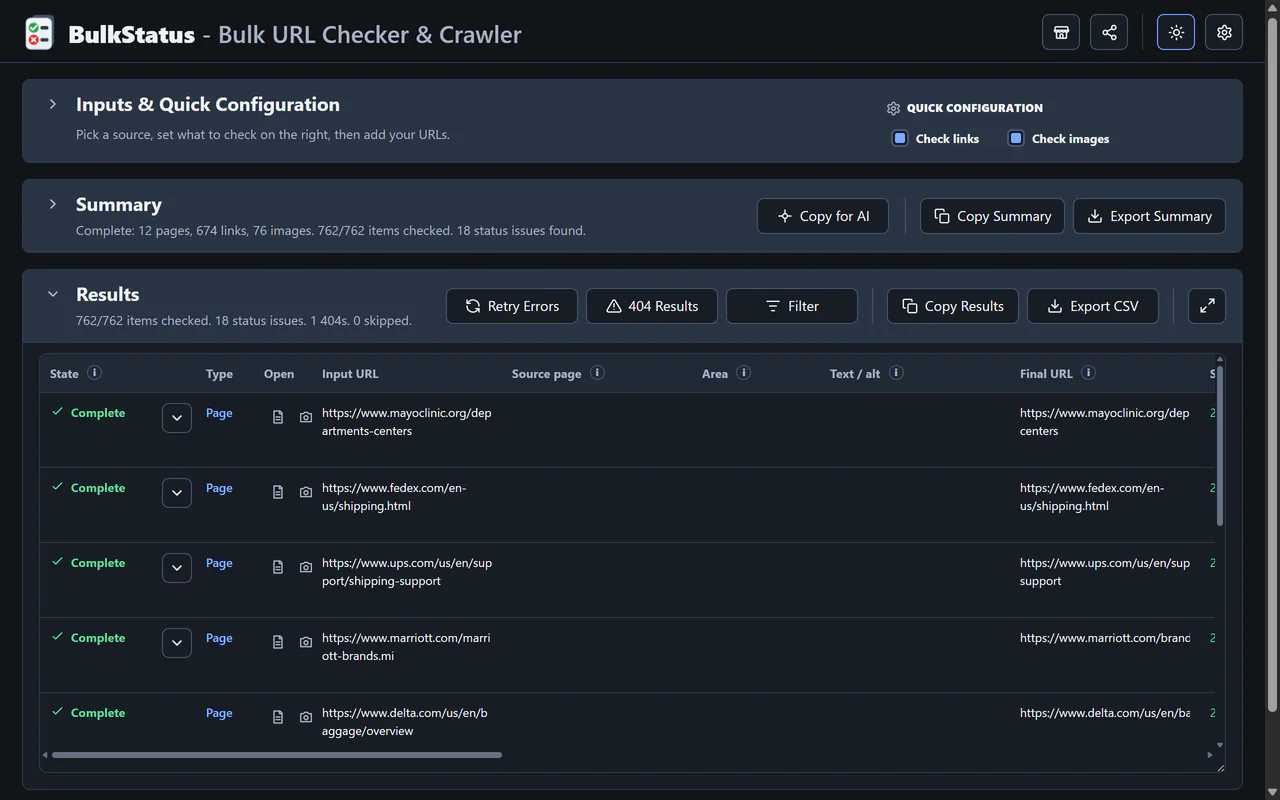
It also had to work for two different people. A colleague who just needs a quick answer shouldn't have to know what crawl concurrency is; someone who does want that control should be able to get in and tune it. The main screen keeps a couple of one-click presets in plain language (a full rendered scan, a link-only audit, an image-only audit, a fast URL-only pass), each with a short description of what it does, while the full settings panel underneath exposes concurrency, timeouts, render wait times, and per-run caps for anyone who wants to go deeper. Every setting carries its own explanation, so nobody has to guess what a toggle does. It's also free, with no license or account required: install it straight from the Chrome Web Store and it works.
What It Looks Like
Key Capabilities
- Paste a list of URLs or load a sitemap or llms.txt to build the check list automatically
- Per-URL HTTP status, redirect chains, response time, title, meta description, H1s, canonical, and word count
- Discovers on-page links and images, flagging images missing alt text
- Static or JS-rendered crawling, for pages that build their content client-side
- Full-page screenshot capture for visual review alongside the data
- Export everything to CSV for further analysis or reporting
Notable Decisions
Questions about how this was built, or want to talk about a similar project? LinkedIn Email