
Markdown Clipper
Web-to-Markdown Extension · Chrome Extension
Release candidate. Launching soon on the Chrome Web Store.
Why I Built It
Markdown Clipper turns web pages into clean Markdown for knowledge repositories, documentation, and notes. Most pages, especially SharePoint sites, don't hand you clean content: they're wrapped in navigation, widgets, and layout markup that a simple "save as" or copy-paste drags along with the text.
I built it to solve that for the tools people use for internal documentation, starting with first-class SharePoint support and a Confluence adapter, then adding collection capture so a whole space or sitemap can be pulled down at once instead of page by page.
What It Looks Like
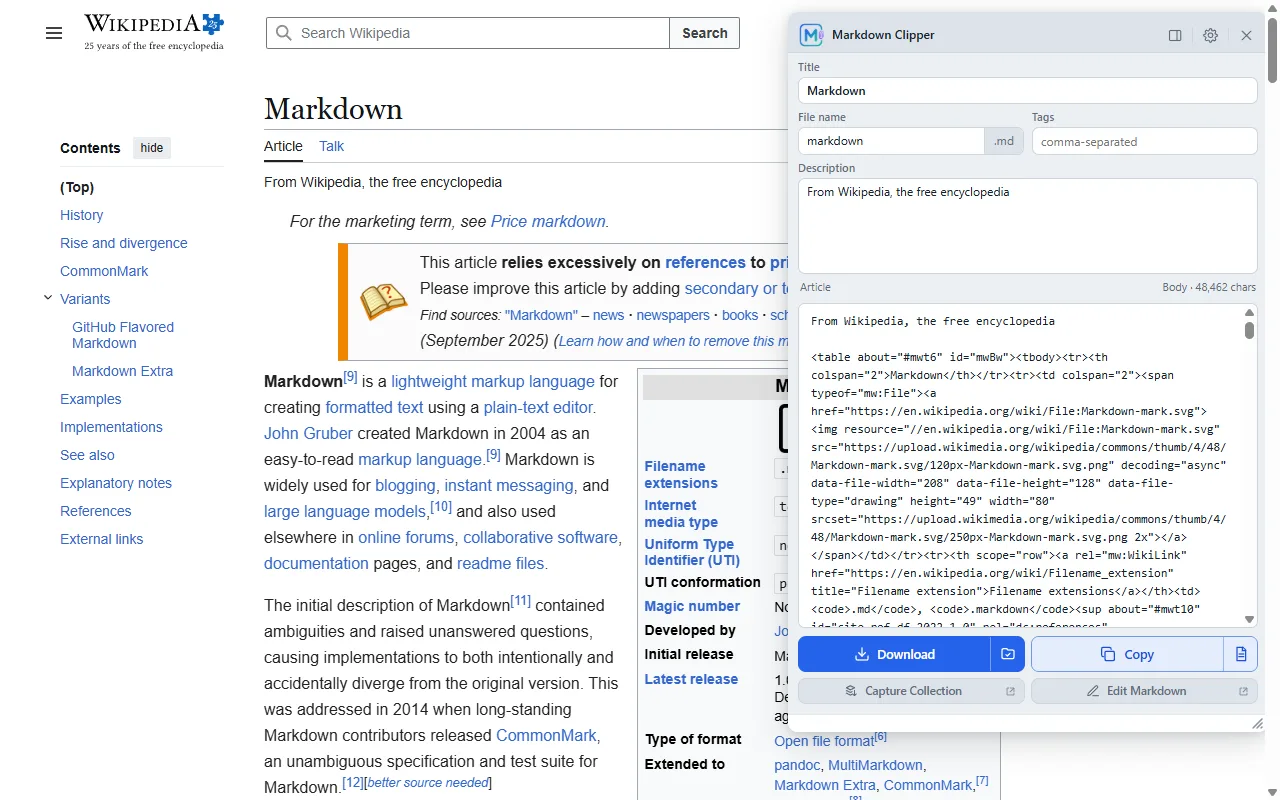
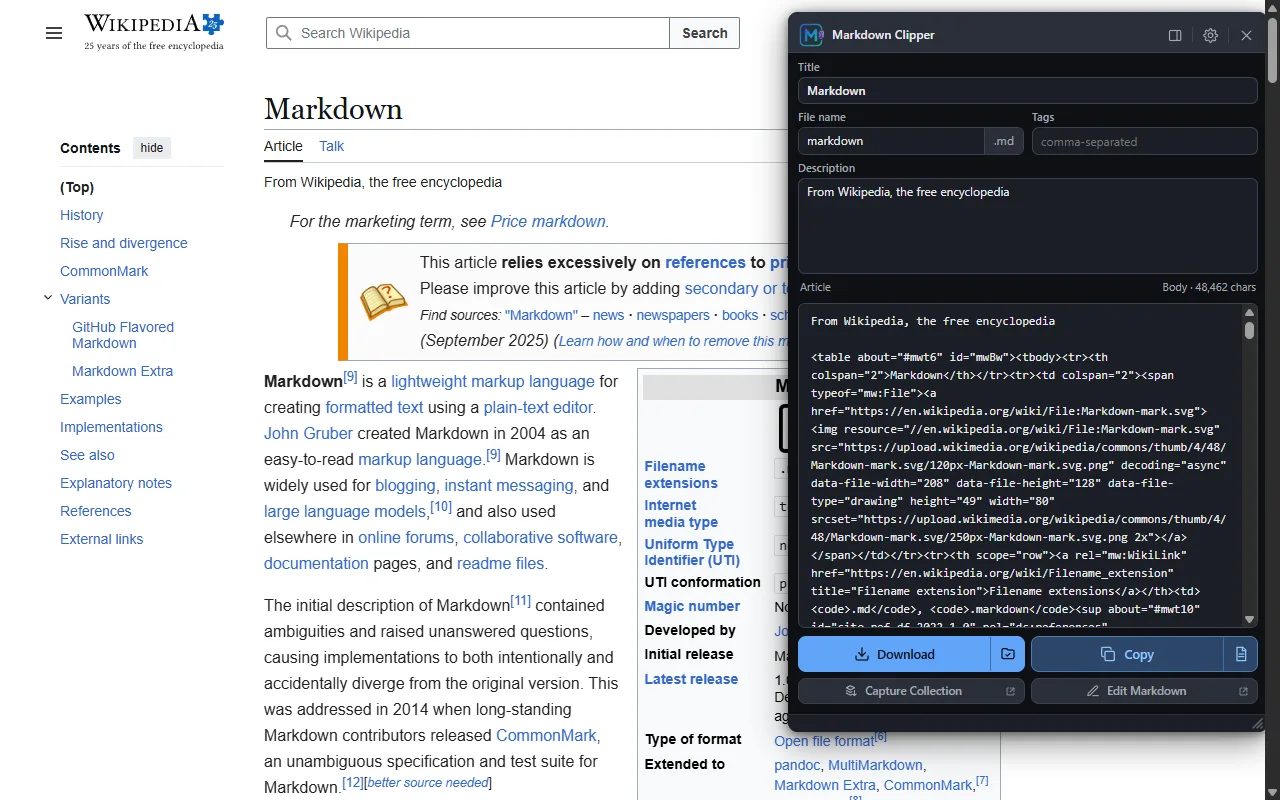
The capture panel with editable metadata before saving.
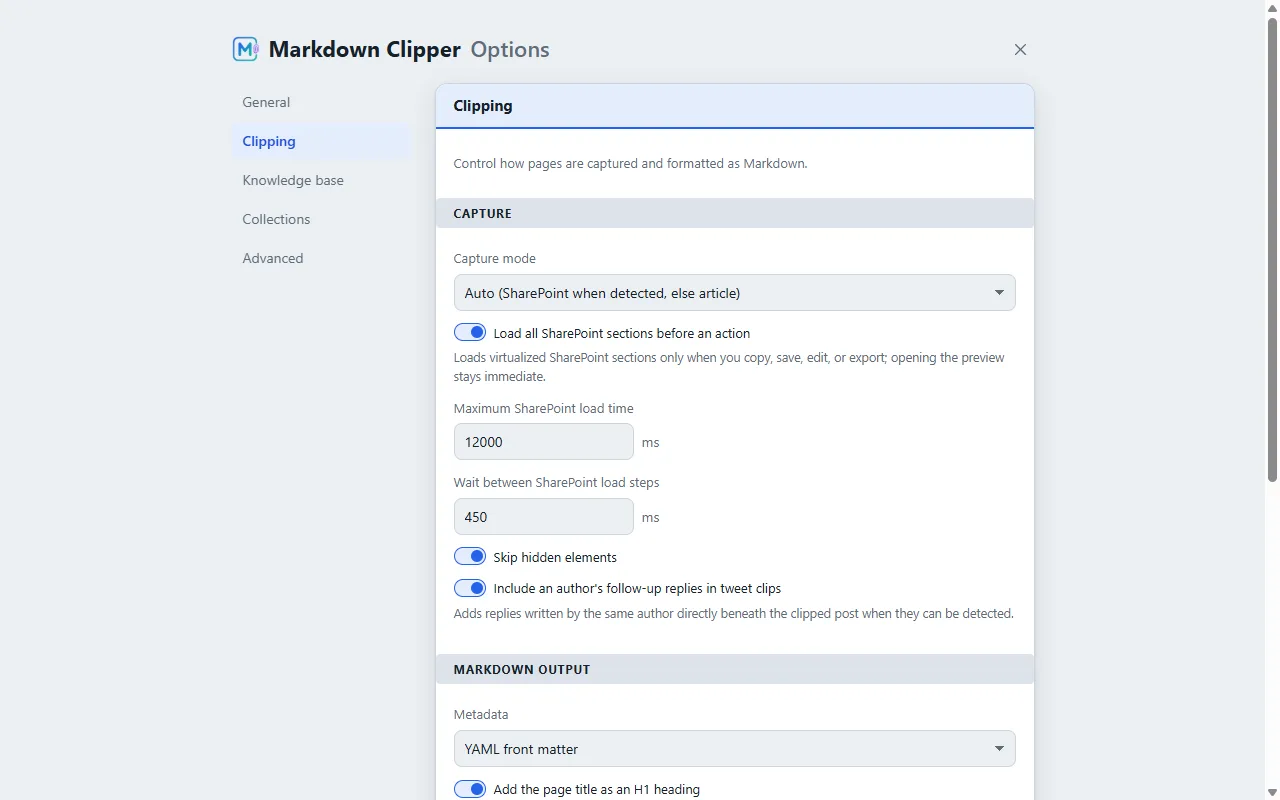
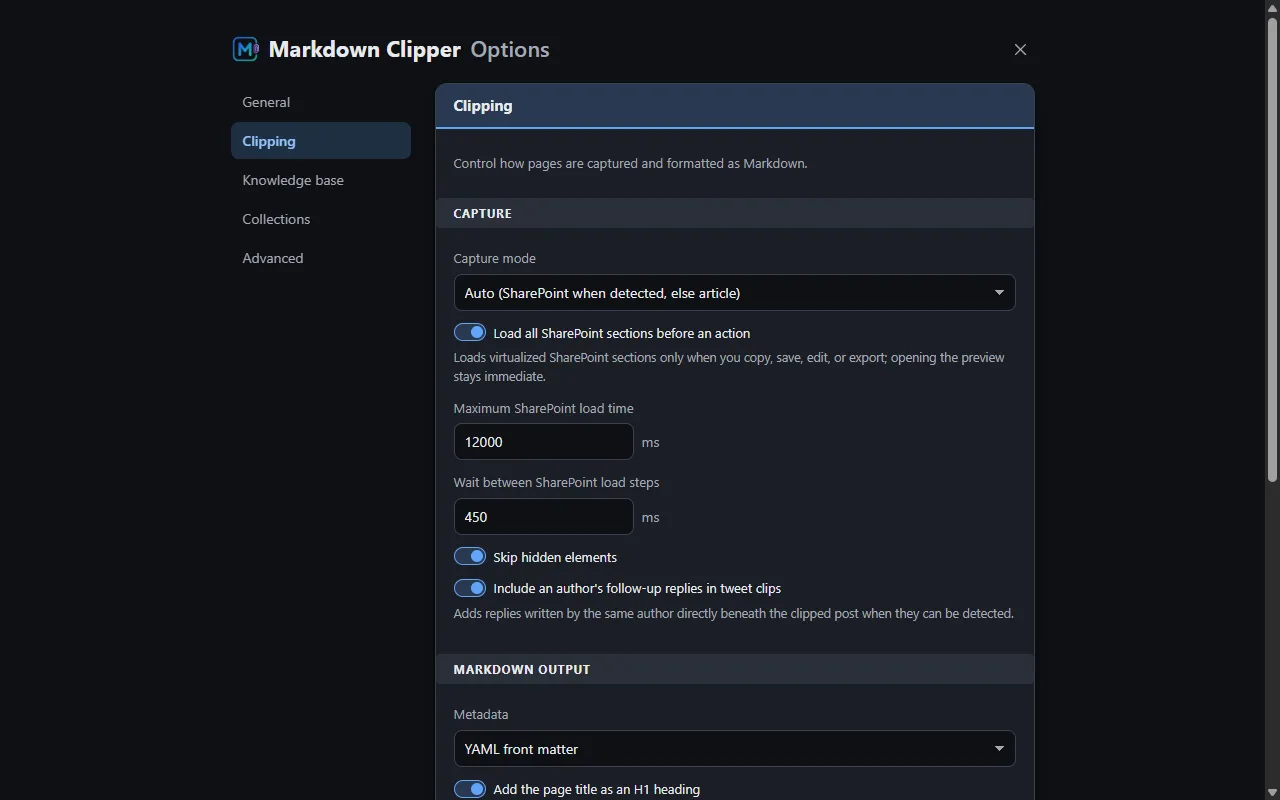
Plain-language capture presets, each with its own explanation.
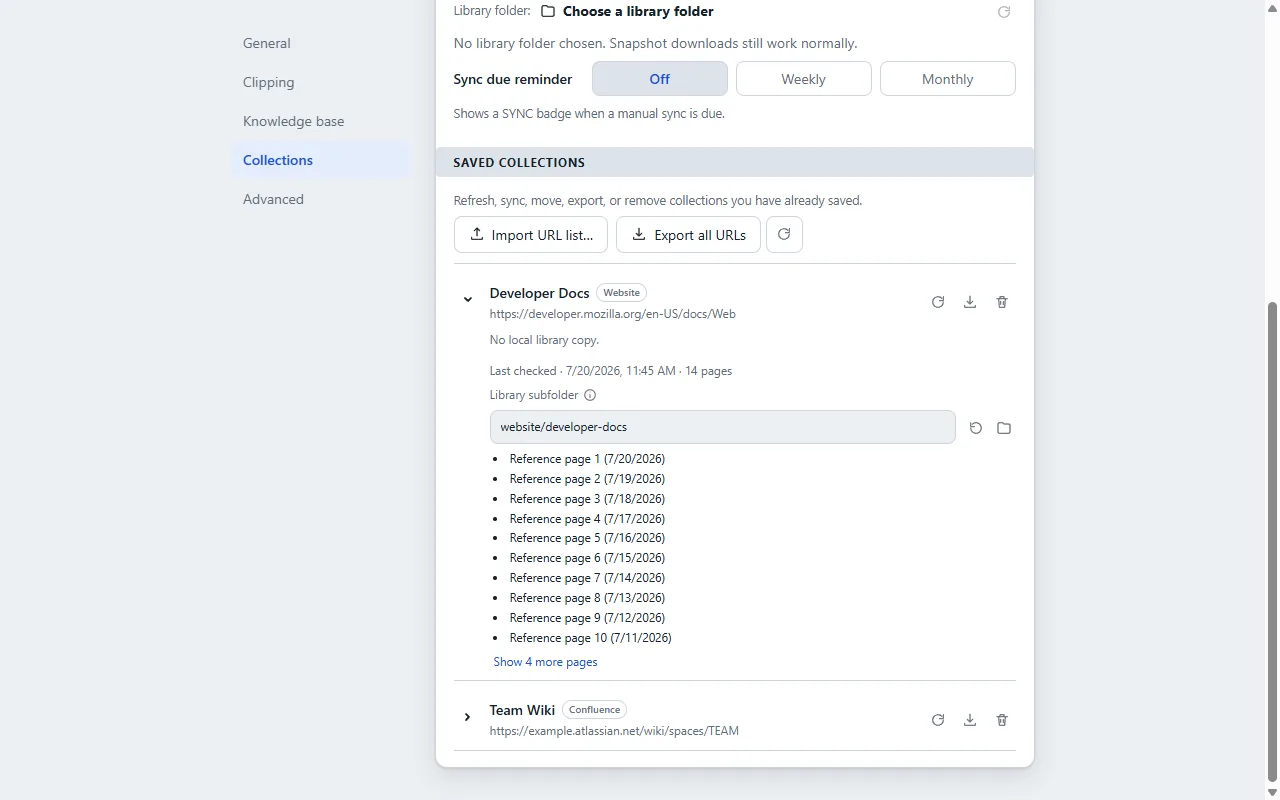
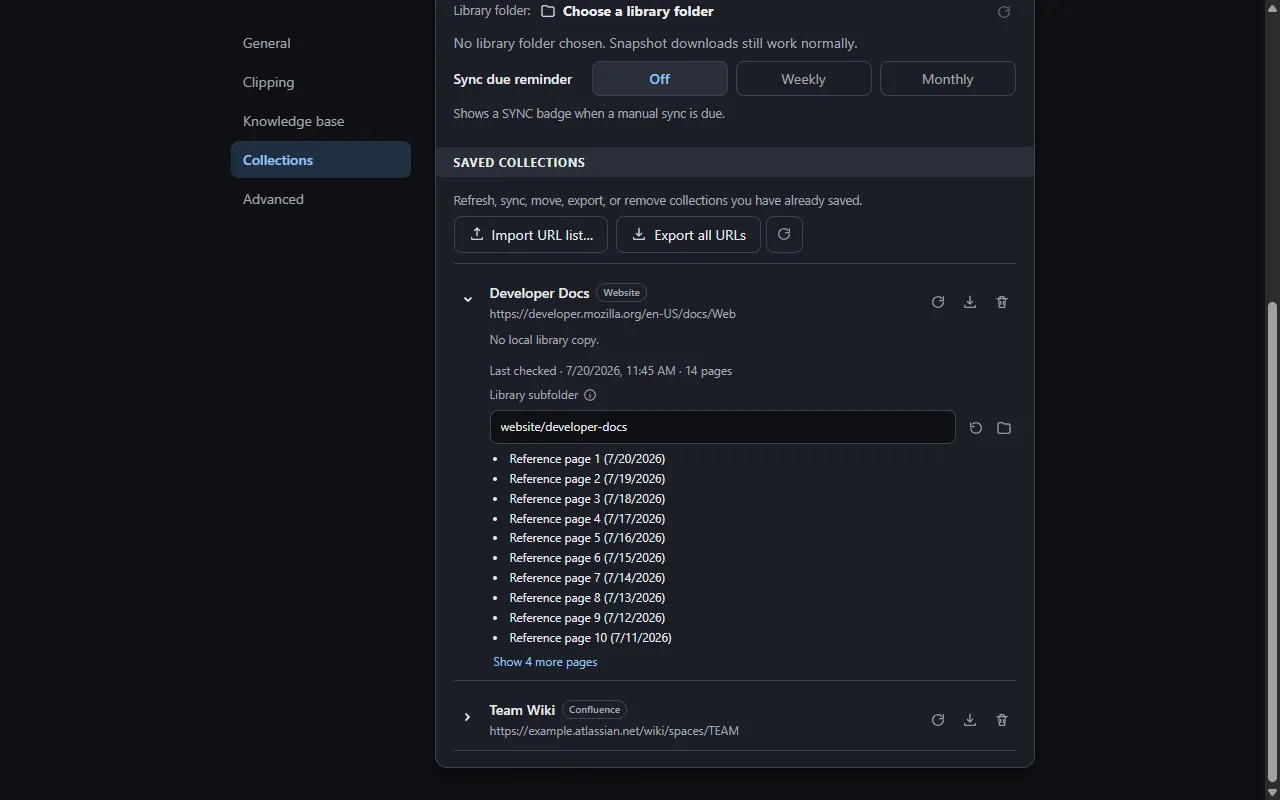
Saved sites with page inventories for repeat syncing.
Key Capabilities
- Readability plus Turndown pipeline for clean HTML-to-Markdown conversion
- First-class SharePoint support, including a lazy-load scroll pass for content that loads as you scroll
- A Confluence adapter for pulling pages and spaces
- Collections capture from a sitemap, llms.txt, or a crawl of a section of a site
- A local collections library for organizing what's been clipped
- YAML front matter and templating for consistent output
- Side panel, popup, and in-page surfaces depending on how you want to work
Notable Decisions
Questions about how this was built, or want to talk about a similar project? LinkedIn Email